Download LiquidoDocs Explorer

The desktop program for opening, browsing and managing LiquidoDocs archives, starting with BaseArchive.

What LiquidoDocs Explorer is

LiquidoDocs Explorer is the Windows application for working with LiquidoDocs archives.

It allows you to browse technical documents, revisions and information associated with files in an organized way, without immediately requiring a dedicated server or a complex PDM system.

Explorer can be used in two modes:

Reader

Allows you to open and browse LiquidoDocs archives without modifying them. This mode is and will always be free.

Writer

Allows you to create, edit and manage BaseArchive archives. Writer functions require an active license on the workstation.

Free Writer license for 2026

Throughout 2026, the LiquidoDocs Explorer Writer license is distributed free of charge.

Archive browsing in Reader mode remains available even without a Writer license, so your data always stays accessible on the computer.

The demo license can be requested from the main menu of LiquidoDocs Explorer, in the Licenses section. Activation is automatic and requires just one click, with no waiting or complex procedures.

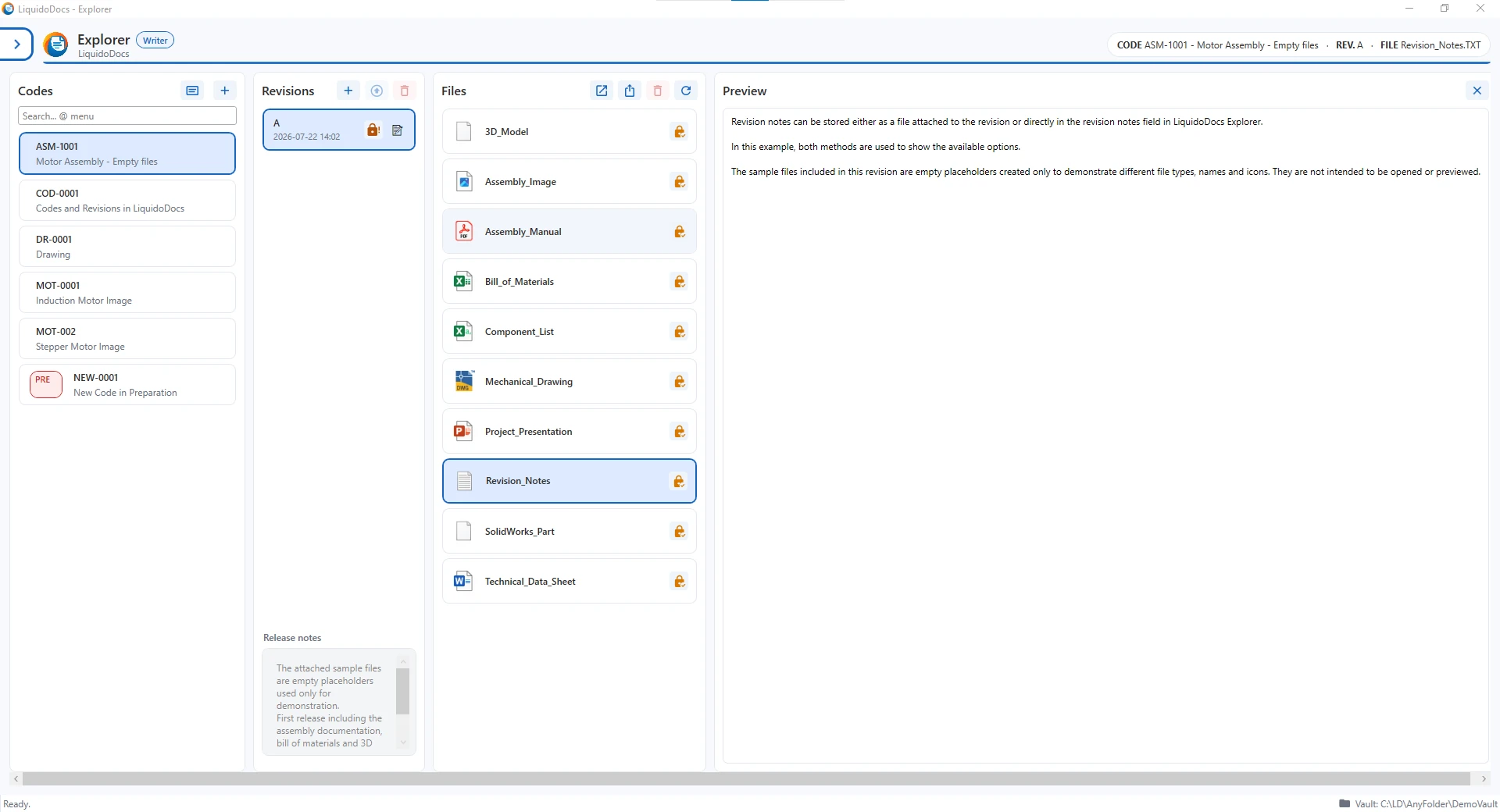
LiquidoDocs Explorer in action

Watch a short preview of LiquidoDocs Explorer: opening the archive, browsing documents and managing technical information in an organized way.

The video shows a demonstration version of LiquidoDocs Explorer. Some interface details may vary in later versions.

LiquidoDocs Explorer for Windows

Click below to download the official installation package for your Windows workstation.

Download Explorer for Windows
Installation package information

The download contains the LiquidoDocs Explorer installation package for Windows. The file is in .exe format and is about 55 MB in size.

On first launch, Windows may show a security warning, especially in the first public versions of the program. The file comes from the official LiquidoDocs servers and is used only to install LiquidoDocs Explorer on the computer.

Before continuing, you can check that the downloaded file is LiquidoDocsExplorer_Setup_0.1.0-beta_win-x64.exe.