Open the main menu
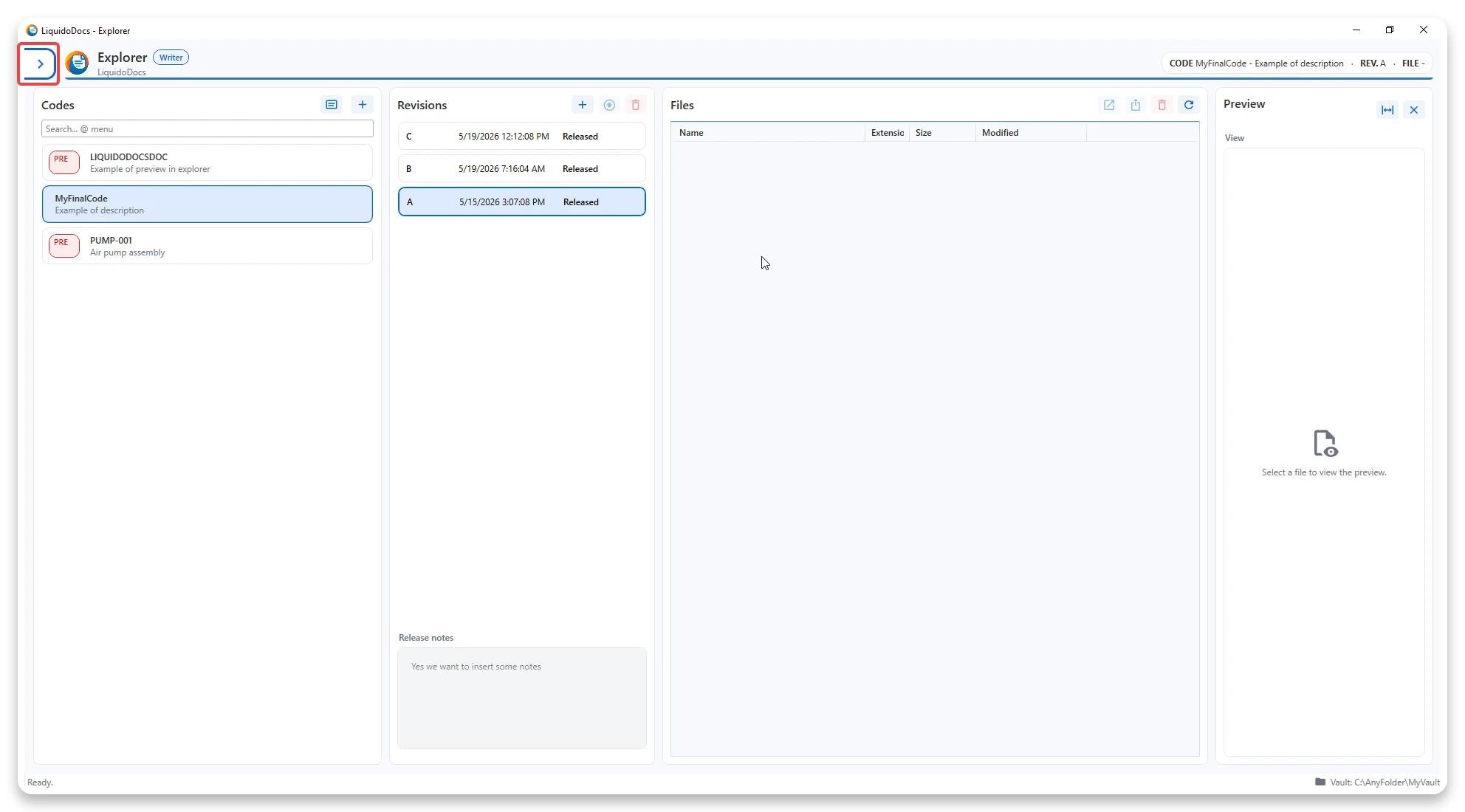
How to open the main menu of LiquidoDocs Explorer using the Bookmark button.
Use the Bookmark button
To open the main menu, press the Bookmark button in the Explorer interface.
Other Explorer guides
Consult the other documentation sections to configure Explorer and manage files, codes, drafts, revisions, tags, families and licenses.